 ReceiptKit
Receipt Scanner App for Small Business: What to Check
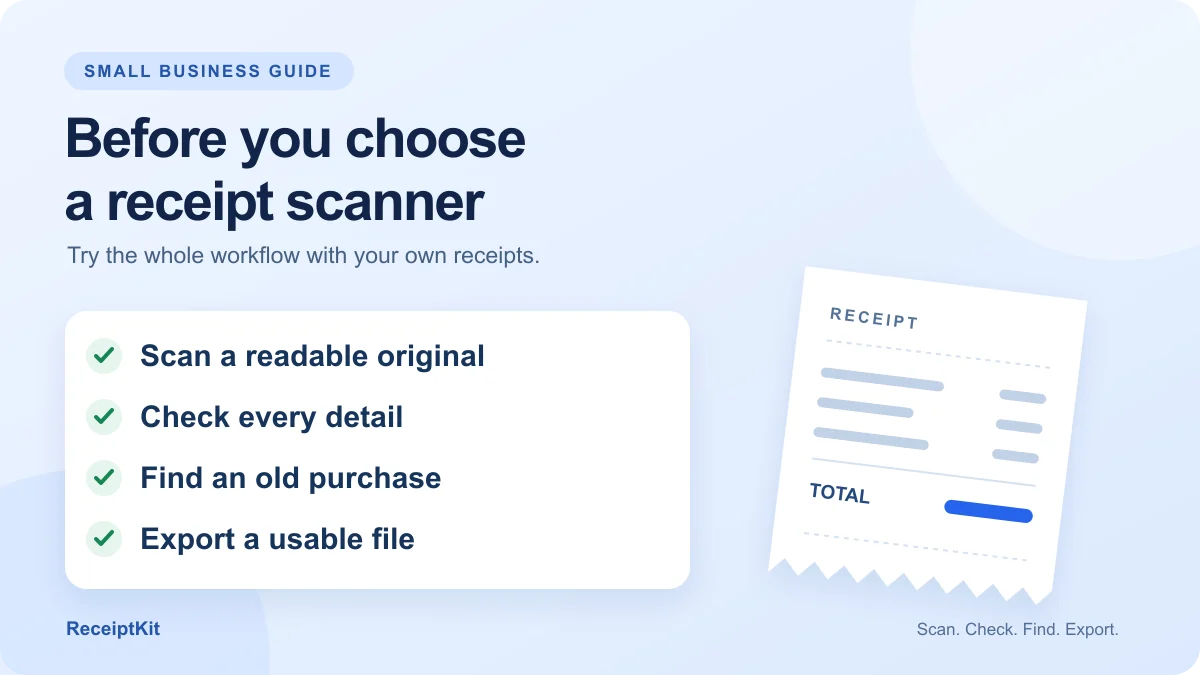
Choose a receipt scanner app for small business that keeps readable originals, lets you correct scanned details, finds old purchases and exports usable records. Test it with your own receipts before paying, then check scan limits, backup options and whether it fits your accountant's workflow.
- Test your own receipts before choosing a plan.
- Keep readable originals alongside the extracted details.
- Open an actual export before you commit.
- Check backup, storage and paid limits separately.
Start with your weekly job
This guide is for US freelancers, tradespeople and small business owners organizing receipts during 2026. Use it to choose a tool that fits the way you work.
Write down what happens after you buy something: capture the receipt, check it, find it later and send records to your bookkeeper. If you work alone, that may be enough; if employees submit expenses, add approval and shared-access requirements to your list.
- Solo owner: prioritize quick capture, editable details and useful exports.
- Working with an accountant: ask which file formats and supporting documents they want before choosing.
- Managing a team: check permissions, approvals and who can see each person's receipts.
Run a real receipt test
Use a clear receipt, a long receipt and a PDF you actually receive. Test how a receipt scanning app handles your store layouts, small print and photo quality.
Compare each saved record with its source before moving on. A quick scan that leaves you fixing every item may be a poor fit for your routine.
- Can you read the whole original, including the edges and bottom?
- Are the merchant, date, currency, tax and total correct?
- Can you edit a wrong amount without scanning again?
- Can you distinguish business from personal purchases?
- Can you find the receipt by merchant or an item name?
- Does the exported file open outside the app with the details you need?
Use this sample to check totals
Example: a repair business buys supplies at a fictional hardware store. Use the printed amounts below to check whether an app confuses the subtotal with the final payment or loses a line item.
Then change one misread field and export the record again. Check that the corrected value appears in the file and that the original image is still available.
| Store / date | Example Hardware / Oct 29, 2026 |
| Fasteners | $40.00 |
| Sealant | $25.00 |
| Gloves | $8.00 |
| Subtotal | $73.00 |
| Printed sales tax | $5.84 |
| Total paid | $78.84 |
Keep evidence, not just a total
The IRS recordkeeping guidance says expense documents should identify the payee, amount, payment evidence, date and what was bought to show its business nature. More than one document may be needed, so a scanned total alone may leave gaps.
For electronic storage, IRS Publication 583 requires complete, accurate records that can be retrieved and reproduced legibly. Keep originals and supporting records available; don't treat successful text extraction as permission to discard paper.
- Keep the receipt image or original PDF with the extracted details.
- Keep payment evidence and business context where needed, alongside your books.
- Ask your tax professional about unclear expenses; a scanner doesn't decide deductibility.
Try a five-minute weekly routine
Treat five minutes as a starting timer, not a promised completion time. A small weekly batch is easier to review than a drawer you haven't opened since January.
Choose one repeatable moment, such as Friday before closing. Capture paper receipts when they arrive, then use this weekly check to catch gaps and prepare records for handoff.
- Gather: check your wallet, work bag and emailed PDFs for anything missing.
- Review: compare new scans with their originals and fix misread fields.
- Separate: check business and personal labels; flag mixed purchases for review.
- Find: search for one recent purchase to confirm you can retrieve it.
- Export and protect: open your chosen export and save a separate backup using the app's supported method.
Check costs and storage before paying
Count roughly how many receipts you handle in a normal month, then compare that with the plan's limits. Check whether PDF imports, extra scans, exports and backups are included or priced separately; don't assume a free download includes them all.
Storage matters too: ask where records are kept, how you recover them after losing a phone and what you can take away if you cancel. If you need a bank connection, automatic email import or team access, verify those features explicitly before buying.
- Scan allowance covers your normal workload and occasional busy weeks.
- Required spreadsheet and original-document exports are available on your plan.
- You understand the backup and restore process before relying on it.
- The app works on your phone and fits your accountant's handoff.
How ReceiptKit helps
ReceiptKit scans camera photos, gallery images and PDFs, extracts receipt details and lets you search by store or item. It includes a Business/Personal switch and exports such as CSV, Excel and PDFs with receipt photos. Android is available now with free scans and exports to start; Pro includes unlimited scans, backup and all export formats, and iPhone is coming soon.
FAQ
Can I use a receipt scanner app for tax records?
It can help organize supporting documents. IRS electronic-storage requirements still apply, including readable, complete and retrievable records; see Publication 583 in the sources. Scanning doesn't establish that a purchase is deductible.
Is saving receipt photos enough?
Photos preserve what was printed, but you also need a way to find and review them. Test merchant or item search, check legibility and confirm you can export the originals with useful transaction details.
What should I send my accountant?
Ask first. A practical test is to send a sample spreadsheet and its supporting receipt images or PDFs, then confirm the format works before exporting a whole year.
Does ReceiptKit need an account?
No. ReceiptKit keeps data on your phone without a login. It offers a backup file you save yourself with Pro; don't assume phone-local records are automatically synced to another device.
Sources
Try the checklist with your next receipt
ReceiptKit is free to download on Google Play. No account needed.
General information, not tax, legal or financial advice. Rules differ by country and change over time. Check the official source or a tax professional for your situation.